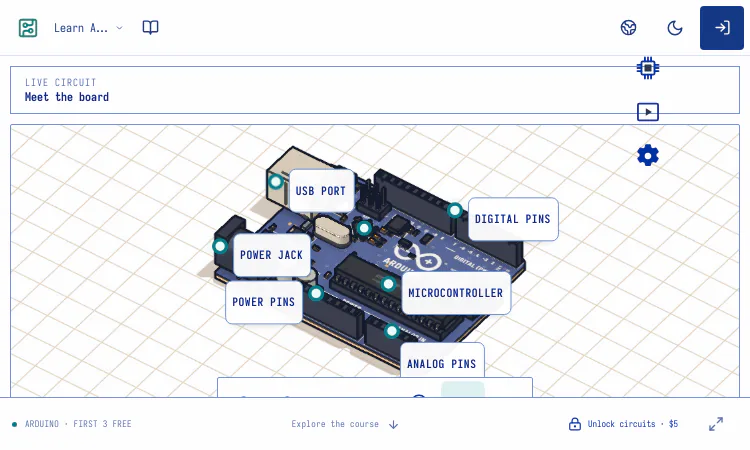
Learn Arduino is a browser-based electronics course whose real innovation is structural: every supplied code sketch is displayed directly beside the wiring it controls, inside an interactive 3D workspace. That single design decision fixes the central defect of most Arduino teaching material — the disconnect between the program and the physics — and it makes Learn Arduino the rare course where you can learn Arduino by inspecting relationships rather than memorizing instructions.
The Learn Arduino curriculum is a 16-lesson ladder from component to system, and its sequencing rewards scrutiny:
Each Learn Arduino lesson models one component or system, and the workspace presents three coupled views — board, schematic and current flow — alongside the sketch. The Learn Arduino pedagogy is explicit: predict what a change will do, run the simulation, compare the result with your prediction, repeat. As a Learn Arduino feedback loop, that is the same structure used in good physics teaching, and it is what makes the Learn Arduino course more than a demo reel.
Cognitive-load research has a name for what most tutorials force you to do: split attention — mentally map a code listing onto a diagram onto a physical object. Learn Arduino eliminates the split. When the sketch calls for a delay, the LED beside it blinks on that schedule; when you change a potentiometer's value, the analog reading updates in the same visual field. The result is that you learn Arduino the way the underlying system actually works: as one causal machine, not three abstractions to be reconciled.
This co-location also enables genuine experimentation. Because the Learn Arduino simulations accept adjustable component values, a lesson becomes a parameter sweep: what happens to the blink when the delay halves? What does the ultrasonic sensor report at 5 centimetres versus 50? The course's own framing — explore, predict, experiment — is a scientific method in miniature, applied at exactly the level where beginners need it.
Engineering-minded readers will appreciate the course's candor about its own fidelity. The Learn Arduino simulator uses teaching models that deliberately simplify electrical behaviour. It does not compile arbitrary C++ and does not upload sketches to hardware; there is no AVR emulation here. What the Learn Arduino simulator offers instead is a controlled environment where the causal relationships are correct and visible, with a clearly signposted exit: when you are ready for physical builds, check component specifications and move to the Arduino IDE. A course that tells you where its model ends is teaching you to think about models — a meta-lesson worth the price of admission on its own.
Learn Arduino runs entirely in the browser; the 3D view requires JavaScript and WebGL, and Learn Arduino touch controls with a compact course drawer make it usable on phones and tablets, though a larger screen shows board and code side by side more comfortably. Progress is stored in the current browser — a deliberate simplicity — while purchases bind to your Google account so unlocked lessons survive device changes. The site ships in nine languages, including German, Spanish, French, Japanese, Korean and Traditional Chinese, which matters for a course whose audience is global classrooms. Pricing is a single $5 lifetime unlock after three free lessons, with no subscription; the sibling courses Protocol Explorer and Learn Bitcoin are separate one-time purchases under the same visual-first philosophy.
Viewed as a dependency graph, the Learn Arduino curriculum is well-typed. Lesson four, the potentiometer, depends on the Learn Arduino digital foundations because analog readings resolve to digital thresholds; the Learn Arduino RGB lesson depends on that analog concept; every Learn Arduino sensor lesson depends on analog input, and every Learn Arduino actuator lesson on digital output from the free trio. The Learn Arduino smart plant and Learn Arduino parking-sensor capstones sit at the graph's top, consuming inputs, comparisons and outputs at once. This structure means the Learn Arduino order is not arbitrary: each lesson's Learn Arduino simulation reuses exactly the concepts the previous lessons proved. Skip ahead and the gap shows up immediately in the Learn Arduino workspace — which is itself informative, because the Learn Arduino course makes its own prerequisites visible. As Learn Arduino curriculum engineering goes, that is a quietly rigorous design.
Learn Arduino earns its place by fixing the one problem every electronics course inherits from the textbook era: the gap between code and circuit. Sixteen lessons, three free, $5 once — and in exchange you get a workspace where instructions and physical behaviour sit in the same visual field. If you want to learn Arduino with the discipline of an experiment rather than the passivity of a video, the Learn Arduino curriculum is the structured way to do it.
Is there a fixed learning path? Yes. The 16 Learn Arduino lessons are sequenced from board orientation to the parking-sensor capstone, though you can revisit any component lesson independently.
Does the simulator behave like real hardware? It uses teaching models with deliberate simplifications. Learn Arduino is transparent that it will not compile your C++ or emulate an AVR — its purpose is visible causality.
What does the $5 unlock include? Lifetime access to lessons 4–16. The Learn Arduino purchase covers this course only; Protocol Explorer and Learn Bitcoin are separate.
How is progress tracked? In the current browser. Purchases bind to your Google account, so unlocked Learn Arduino lessons remain yours across devices.
Can I use it offline? No — the Learn Arduino workbench is browser-based and needs JavaScript and WebGL to render its 3D board and simulations.

Project Moon Life is a browser simulation where a resident’s health, sanity, resources, and relationships shift as each decision changes the next year.

Premium undetected game modifications, HWID spoofers, and free gaming tools designed for seamless performance, maximum stability, and account safety.
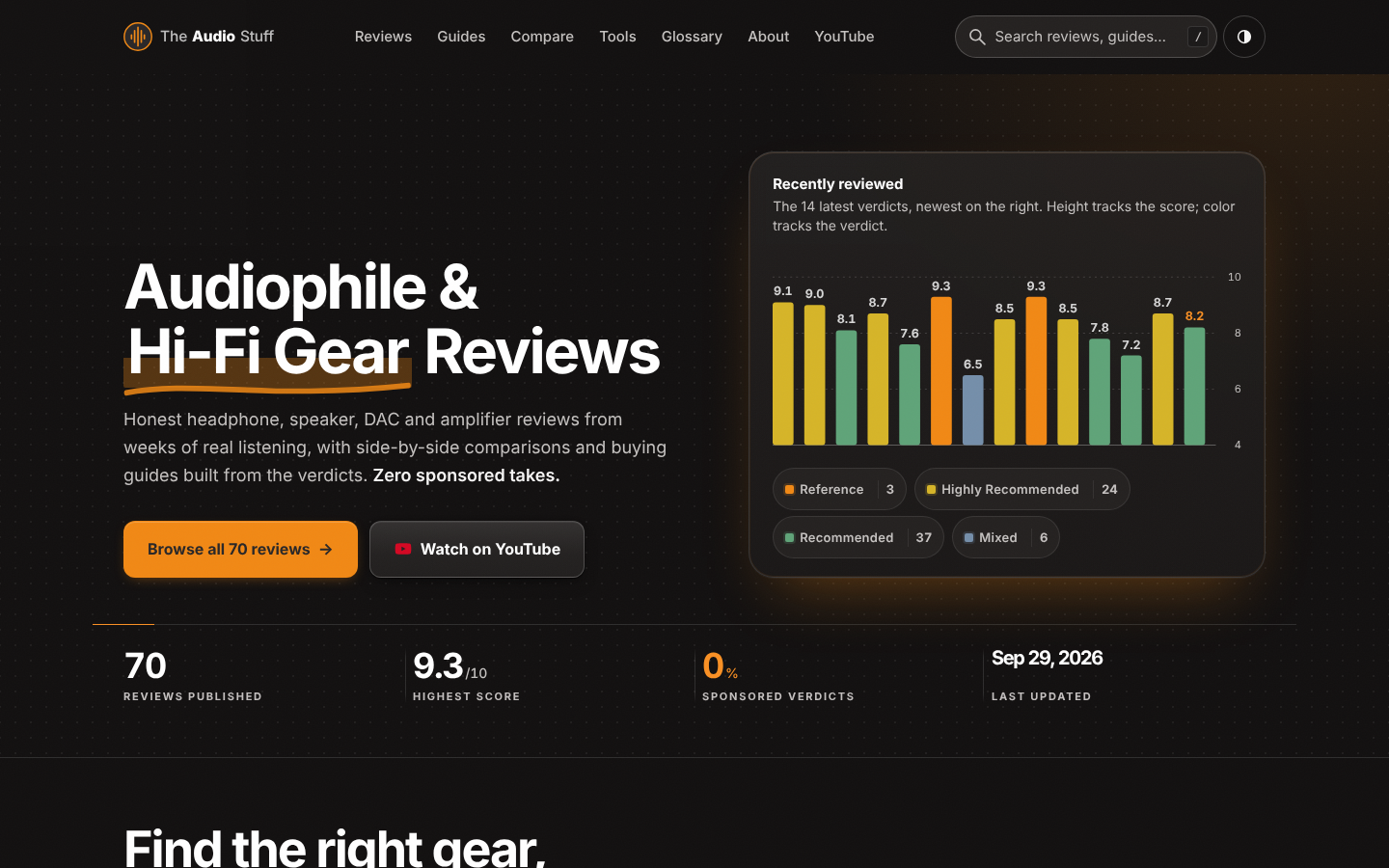
Find the right hi-fi gear for your ears, room and budget: ad-free reviews from weeks of listening, 12 buying guides, 35 comparisons and 17 free audio tools.

Get Face Report is an AI-powered facial analysis and personal styling platform that helps users understand their facial features

Antique Scanner reads hallmarks, maker's marks and wear in your photos — and returns an honest identification with age and value ranges.
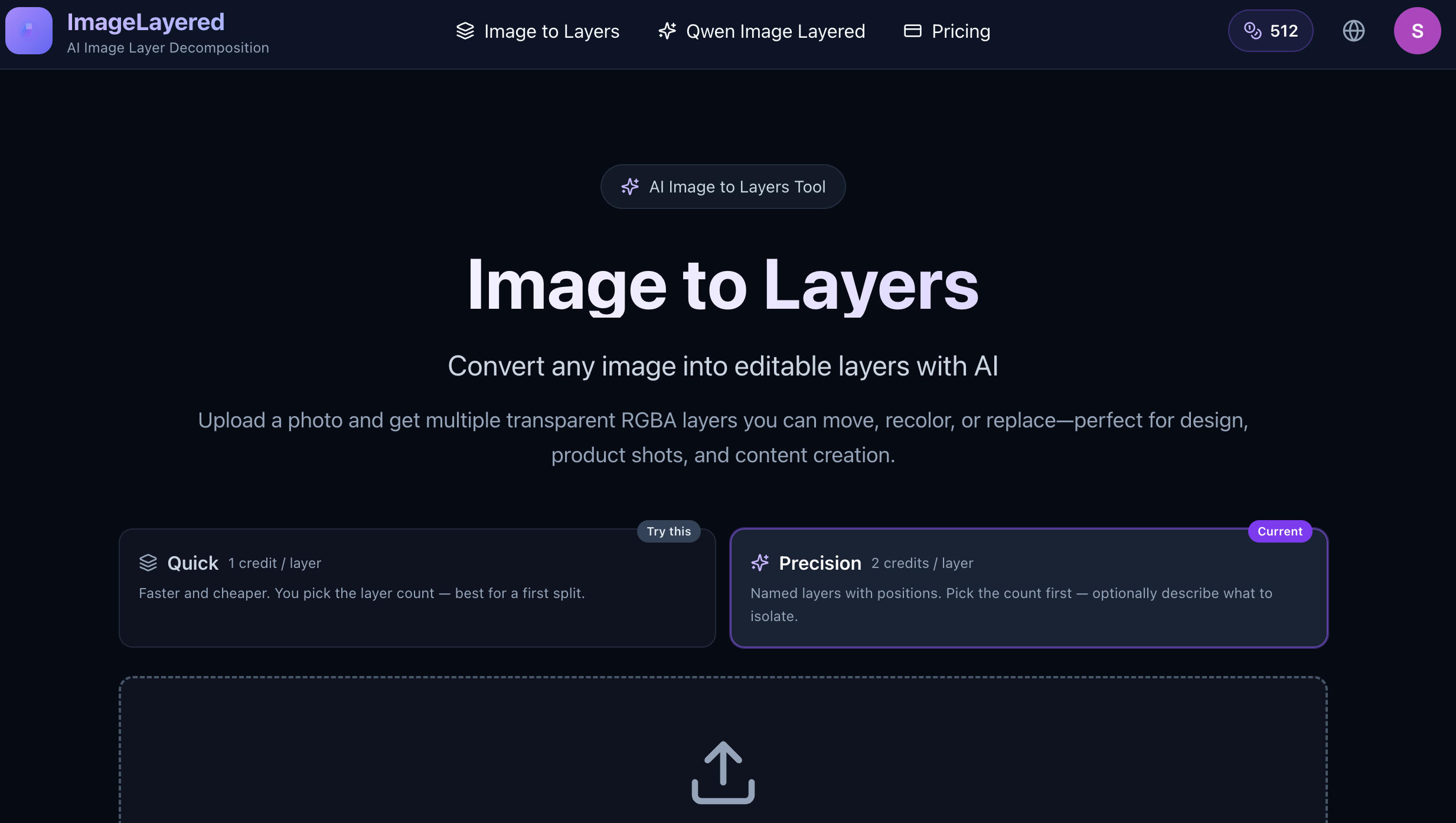
Turn Flat Images Into Editable Layers.
