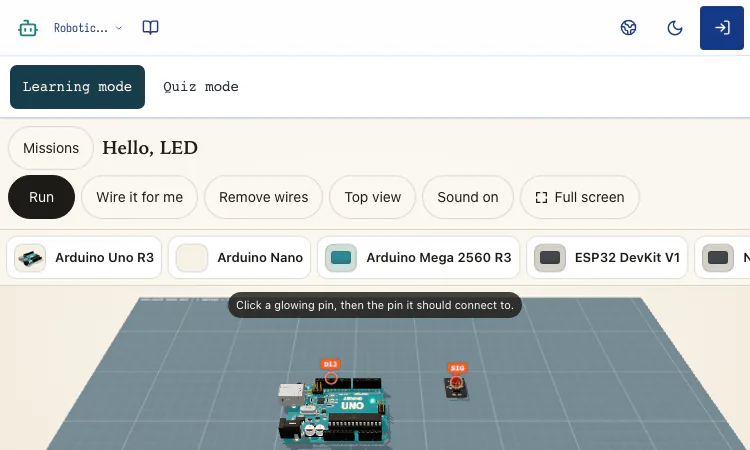
Robotics Lab is an interactive 3D workbench for embedded systems learners — a browser-based developer tool where you wire circuits, flash example code into a simulated board, and watch the modeled response before ever touching physical hardware. For engineers moving into embedded development, the Robotics Lab app closes the gap between reading a datasheet and knowing what a board actually feels like. Every board in Robotics Lab is procedurally modeled in 3D with accurate connectors, headers and power arrangements, so the mental model you build here transfers directly to the bench.
Embedded work starts with board familiarity: where is the USB connector, which header carries UART, how is power distributed. The Robotics Lab app answers these questions spatially. Rotate an ESP32 DevKit V1 around its axis, zoom into the pin labels, trace a connection from GPIO to ground — the Robotics Lab scene makes each relationship inspectable from any camera angle. When you wire a circuit, Robotics Lab validates it before power-up, explaining that a return path to ground is missing rather than letting you guess why nothing blinks.
Mission missions ship with example code and serial output. Run a sketch, watch the simulated LED, then stop the simulation and modify the circuit. The Robotics Lab loop mirrors real embedded prototyping: build, flash, observe, iterate — minus the burned LEDs and the driver installation marathon.
⚠️ Note: Robotics Lab is an educational model, not an electrical simulator. Verify exact pin ratings, voltage limits and supported libraries in the official board documentation before building physical circuits.
Robotics Lab structures its curriculum as eleven guided circuit missions, escalating from "Hello, LED" to sensors, displays, board communication and a complete robot controller. Each mission in the Robotics Lab app provides:
The bench in Robotics Lab also includes buttons, potentiometers, servos and motor modules, plus a free build mode for unlocked learners who want an empty bench and their own wiring experiments.
Robotics Lab includes the boards you will actually meet in professional and hobby embedded work:
| Board | Embedded relevance in Robotics Lab |
|---|---|
| Arduino Uno R3 | Baseline AVR platform and header layout |
| Arduino Nano | Breadboard-friendly compact factor |
| Arduino Mega 2560 R3 | Pin-rich projects and power routing |
| ESP32 DevKit V1 | WiFi-capable SoC used across IoT |
| NodeMCU | ESP8266 legacy projects |
| Raspberry Pi Pico | RP2040 and dual-core thinking |
| STM32 Blue Pill | Minimal ARM Cortex-M board |
| Raspberry Pi 4 Model B | Full Linux-capable computer ports |
Switching between them inside the Robotics Lab app teaches connector families and processor placement by contrast — compare a Nano with a Mega, or inspect the Raspberry Pi connectors, and the differences stop being abstract. The Robotics Lab workbench renders all of this procedurally, keeping the scene interactive rather than a canned video.
Embedded interviews and real debugging both demand instant component recognition, so the Robotics Lab app ships a quiz mode alongside the workbench. Find the part tests recognition directly on the 3D model; Assemble it tests where components belong on the board. Robotics Lab keeps these exercises tied to the boards you study, and your best scores stay local in the browser for tracking progress.
Robotics Lab is free to evaluate: three missions and three boards, no account required to start learning. The full curriculum — all eight boards, eleven missions, free build mode and every quiz — unlocks with a one-time $10 purchase linked to your Google account, valid across devices. No subscription, no seat licensing: Robotics Lab is priced like a tool, not a service.
The Robotics Lab app is deliberately positioned at the front of the embedded toolchain, not as a replacement for it. A realistic workflow for a developer new to embedded looks like this: orient in Robotics Lab by rotating the target board and wiring its canonical circuit; read the official datasheet with the 3D model open beside it, so pin names attach to physical locations; then move to the vendor IDE with a mental map that already includes headers, power rails and connector families. Teams that onboard juniors through Robotics Lab this way report fewer basic questions, because the Robotics Lab workbench has already answered the spatial ones before day one.
Debugging practice transfers just as directly. The mission structure in the Robotics Lab app — goal, wiring, validation, run, observe, change one thing — is the same discipline used at a real serial console during bring-up. The example code ships with serial output precisely so that print-debugging feels familiar when you meet it on hardware. Even the quiz mode maps to professional life: quickly naming the regulator, the debug header or the crystal on an unfamiliar board is a real skill during board bring-up.
Robotics Lab also respects its own boundary: it is an educational model, and the app reminds you to verify exact pin ratings, electrical limits and supported libraries in the board documentation before physical builds. Within that boundary, the Robotics Lab workbench is the cheapest onboarding tool an embedded learner can add to the stack — one browser tab that makes every later tool easier to use.
Q: Does Robotics Lab simulate actual code execution?
A: The Robotics Lab app provides example code and models the circuit response to it — including serial output and interactive inputs. It is a teaching model designed for understanding, not a cycle-accurate MCU emulator.
Q: Can I use Robotics Lab to prototype a real product?
A: Use the Robotics Lab app for orientation, wiring logic and vocabulary. For production work, validate your design in a dedicated electrical simulator and the official datasheets before committing hardware.

Project Moon Life is a browser simulation where a resident’s health, sanity, resources, and relationships shift as each decision changes the next year.
Premium undetected game modifications, HWID spoofers, and free gaming tools designed for seamless performance, maximum stability, and account safety.
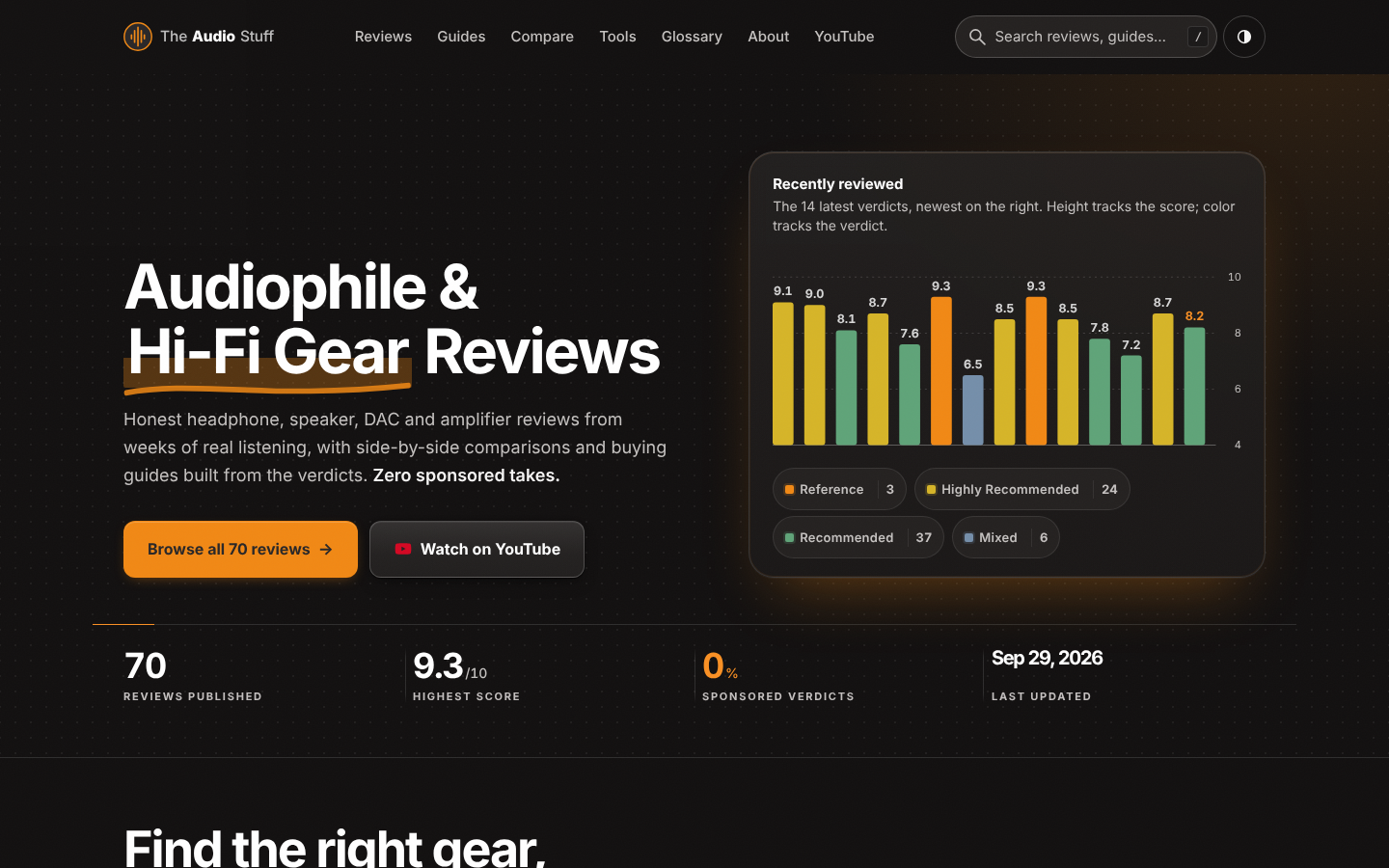
Find the right hi-fi gear for your ears, room and budget: ad-free reviews from weeks of listening, 12 buying guides, 35 comparisons and 17 free audio tools.

Get Face Report is an AI-powered facial analysis and personal styling platform that helps users understand their facial features

Antique Scanner reads hallmarks, maker's marks and wear in your photos — and returns an honest identification with age and value ranges.
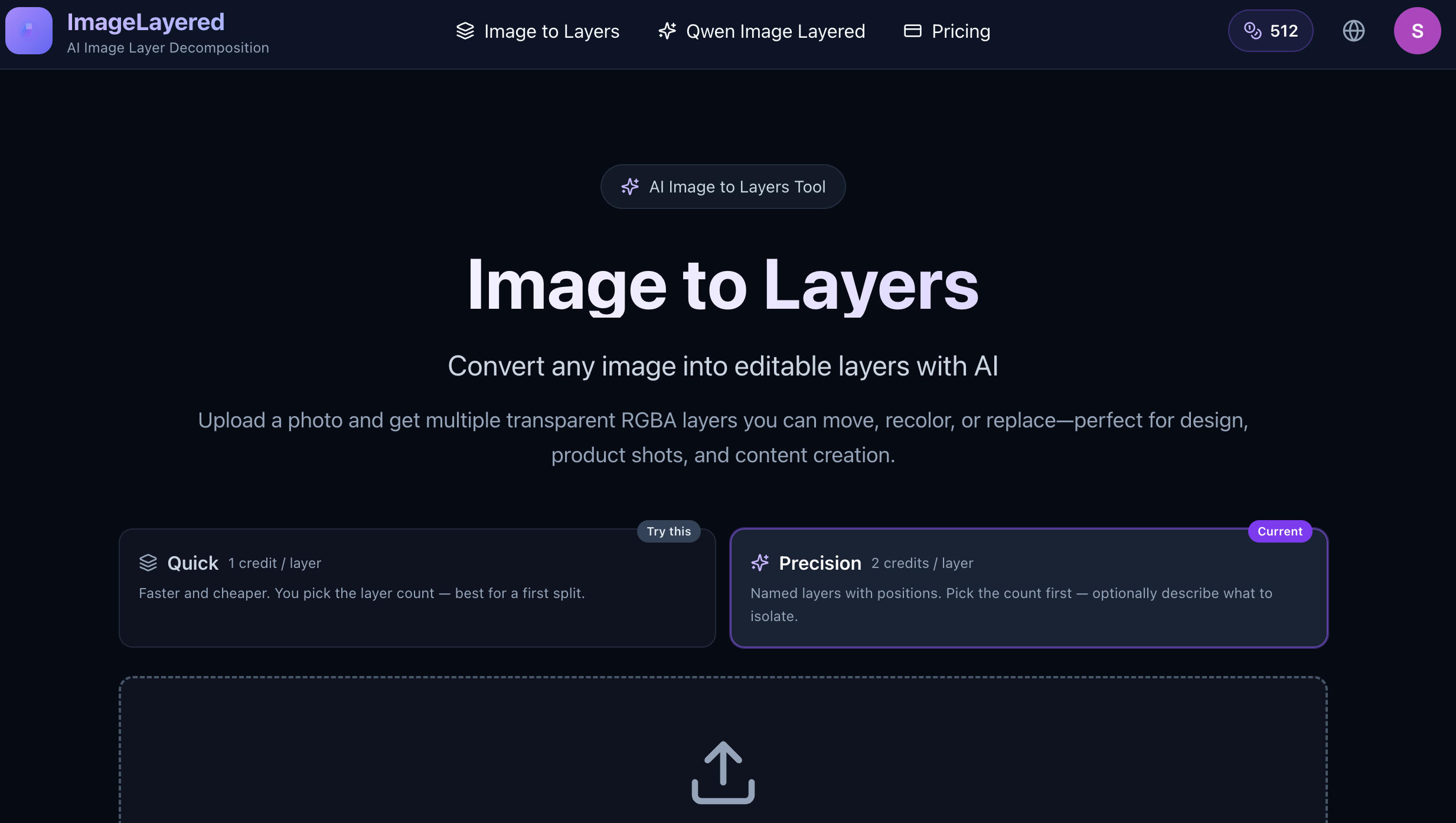
Turn Flat Images Into Editable Layers.
