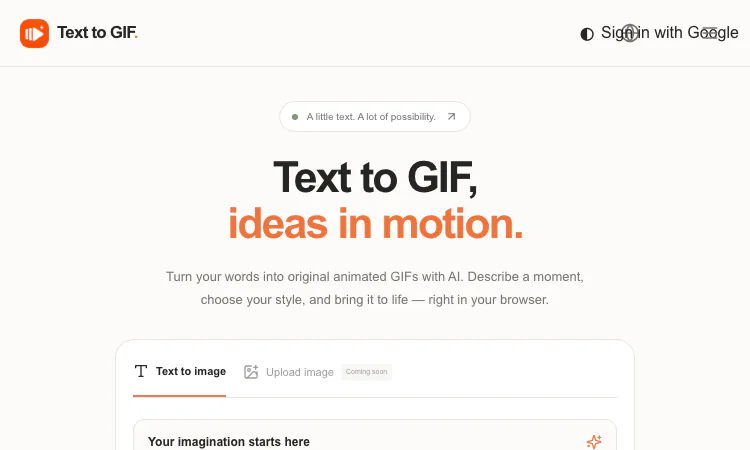
Most AI image generators stop at still frames. Text to GIF takes the next step: it is an AI GIF generator that compiles natural-language prompts into actual animated output — looping GIFs with explicit frame counts, per-frame timing, and a choice of five export formats — all rendered server-side and delivered as original files from a browser-based workspace. For developers and technical users who occasionally need an animated asset without wiring up an animation stack, it is a pragmatic utility worth knowing about.
A generation in Text to GIF is parameterized like a small render job rather than a black box:
The cost model is deterministic and disclosed: credits are computed from quality, resolution, format, and — importantly for GIFs — frame count. The exact credit figure appears before submission, so there is no post-hoc billing surprise. Failed generations are refunded automatically.
The five-format output is where Text to GIF earns a spot in a technical toolbox. The GIF path produces the classic looping animation for chat clients, email-safe embeds, and documentation that needs motion without JavaScript. The SVG path is more surprising: it generates real vector output — icons, logos, and flat illustrations that scale cleanly — which is unusual for a consumer AI tool and useful for UI mock assets. PNG covers lossless stills, WebP gives you smaller files for modern web properties, and JPG handles photographic content. One workspace, one prompt format, five delivery formats; if you need the same idea in a different format, a new generation handles the conversion at the cost shown upfront.
The workflow is three steps: describe the idea, configure the job, generate and download. Editor access requires no sign-in — authentication is only requested when downloading completed work. Job state is persisted against the browser and account: if you navigate away mid-generation and return on the same browser and account, the job retains its progress rather than silently dying. Generation latency scales with quality, resolution, frame count, and provider demand, which the FAQ states directly — useful expectation-setting for anyone batching renders.
For iteration economics, the sensible pattern is: explore prompts at Draft quality with low frame counts, evaluate the motion, then re-render finalists at Maximum with full frames. Because credits scale with every parameter, the tool effectively teaches you the marginal cost of each setting — a transparent mechanic that compares favorably with opaque subscription quotas.
No subscription exists. Credit packs are one-time purchases: Starter at $10, Creator at $20, Studio at $50, with entry packs starting at $10. Credits are consumed per generation according to the disclosed formula and refunded on failure. For scripts-and-sessions users who need an animated asset occasionally, pay-per-use beats a monthly line item. There is no public API at present — this is a hands-on workspace, not an automation endpoint — so treat it as an interactive utility in your toolchain rather than a pipeline stage.
Concrete scenarios where Text to GIF pulls its weight:
Prompt quality is the main lever: subject plus style plus motion in one coherent sentence, iterate in Draft, and inspect output before shipping — the product itself advises refining prompts because AI output varies between runs.
Image upload and image editing are not available yet — the workspace is text-prompt-only for now, with uploads marked "coming soon." Commercial use requires reviewing the AI provider's terms and rights associated with your prompt; the responsibility for trademarks and likenesses sits with the user. Latency is variable by design, and the 16-frame ceiling means this is a tool for short loops, not long-form animation sequences.
For readers who skim straight to the spec sheet: Text to GIF accepts prompts up to 4,000 characters; Text to GIF renders 2–16 frames at 20–2000 milliseconds per frame; Text to GIF exports GIF, SVG, PNG, WebP, or JPG; Text to GIF supports 1K, 2K, and 4K resolutions across fifteen aspect ratios; and Text to GIF computes credit cost from quality, resolution, format, and frame count — displayed before submission and refunded on failure. Input is text-only for now, jobs preserve progress per browser and account, and no public API exists yet. Within those bounds the contract is predictable: parameters in, disclosed cost, animated file out. For a utility whose entire job is compiling one string into one looping file, that predictable contract is the specification that matters most.
Text to GIF is a well-specified utility: explicit frame and timing parameters, five formats including real SVG, deterministic credit pricing with failure refunds, progress-preserving job state, and a no-subscription payment model starting at $10. It does not try to be a full animation suite, and that restraint is its strength — it compiles text into a looping animation with the minimum viable configuration surface. If your stack has a gap where "describe it, get an animated file" should be, close it at Text to GIF — and keep the same workspace in mind next time you need vector art via Text to GIF's companion SVG mode.
Project Moon Life is a browser simulation where a resident’s health, sanity, resources, and relationships shift as each decision changes the next year.

Premium undetected game modifications, HWID spoofers, and free gaming tools designed for seamless performance, maximum stability, and account safety.
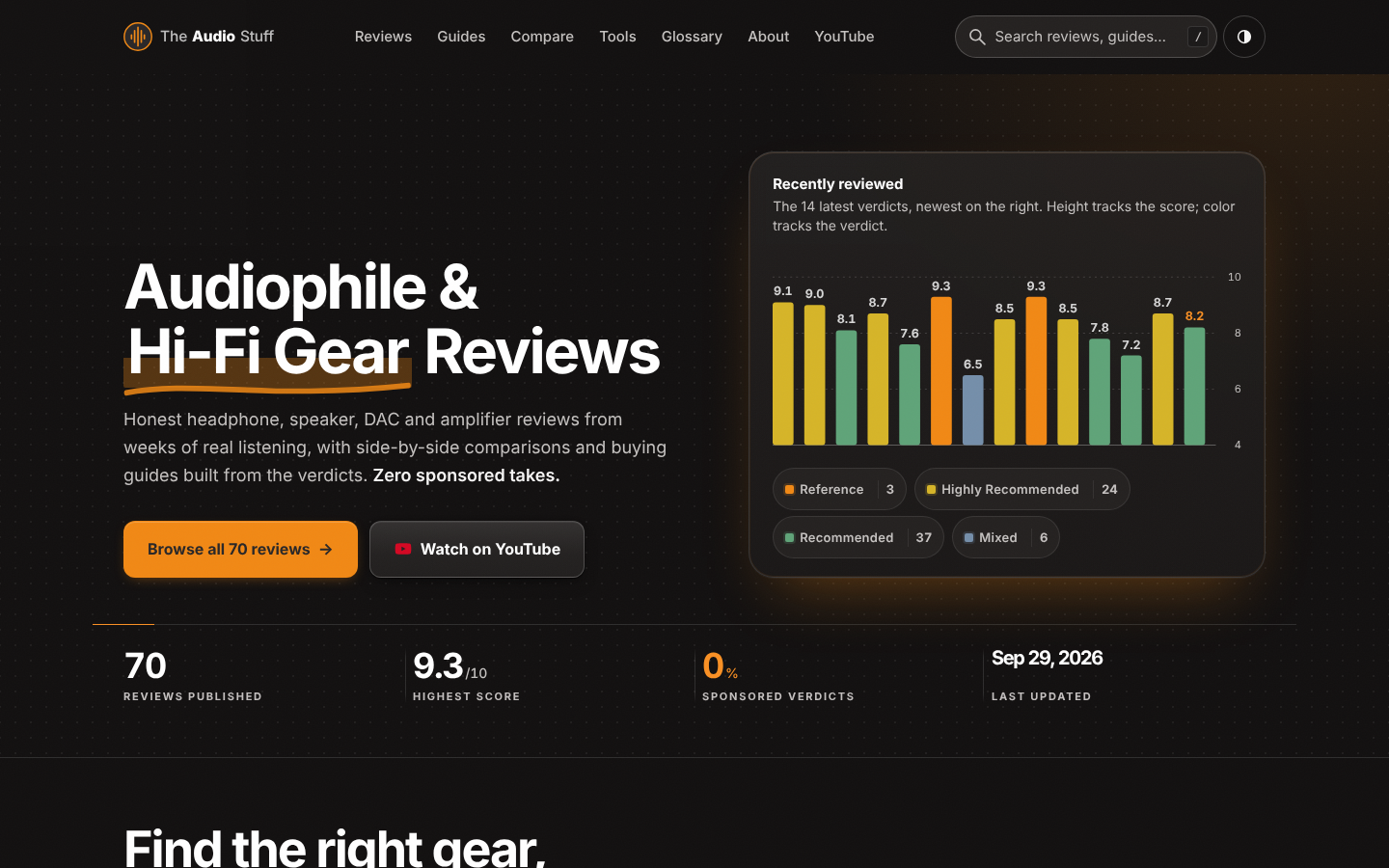
Find the right hi-fi gear for your ears, room and budget: ad-free reviews from weeks of listening, 12 buying guides, 35 comparisons and 17 free audio tools.

Get Face Report is an AI-powered facial analysis and personal styling platform that helps users understand their facial features

Antique Scanner reads hallmarks, maker's marks and wear in your photos — and returns an honest identification with age and value ranges.
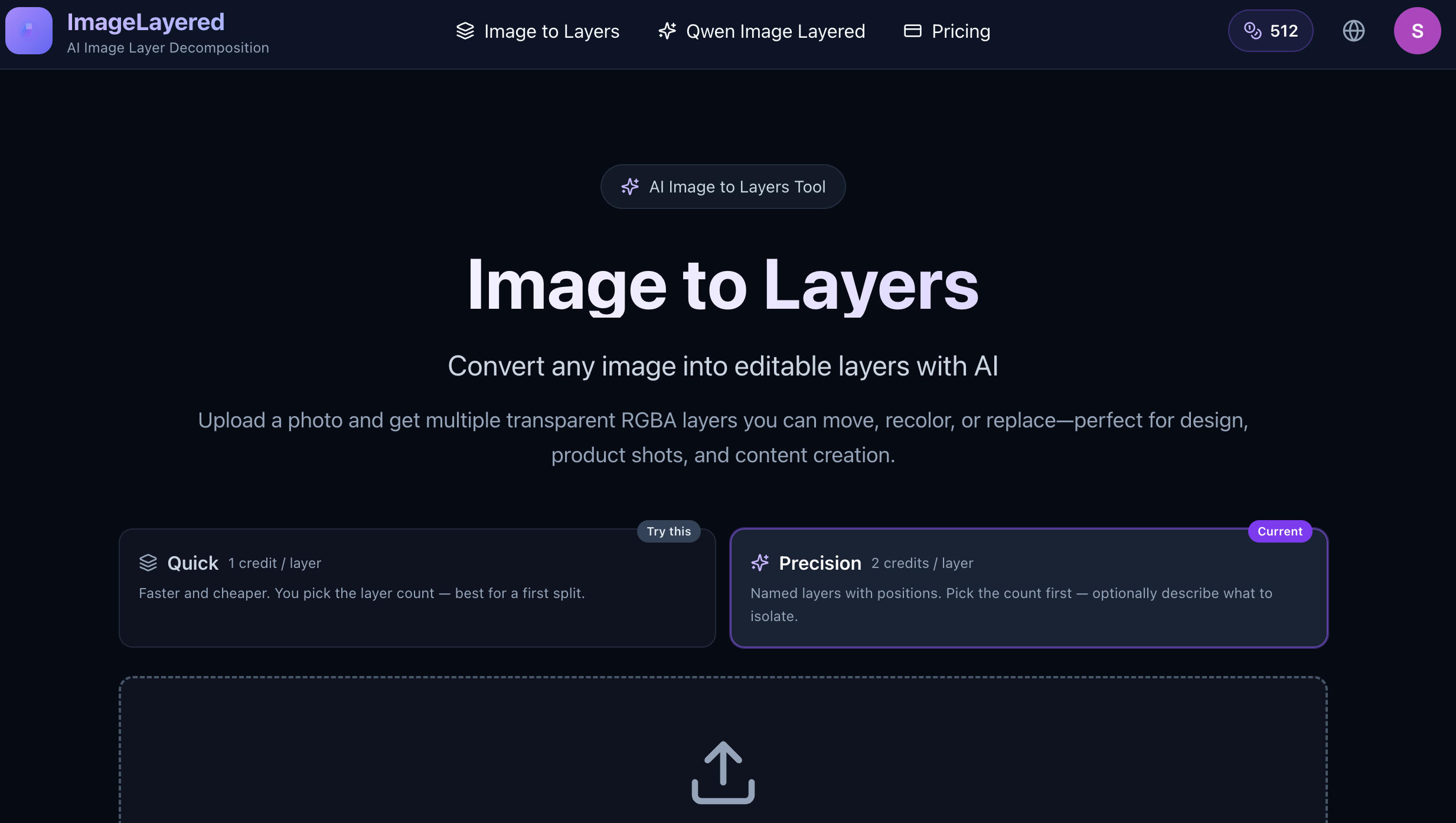
Turn Flat Images Into Editable Layers.
