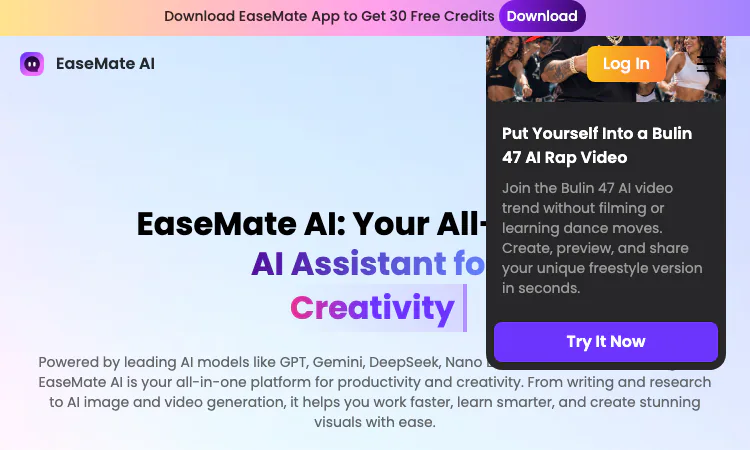
Most AI chat products are committed to one vendor. The interesting engineering decision inside EaseMate AI is different: it treats model choice as a user-facing feature. The chat workspace ships with a roster of models from different companies, and switching between them is part of the normal workflow rather than a hidden implementation detail. This deep dive looks at what is on the roster, what the variety buys in practice, and where the limits of the arrangement show.
The text side of EaseMate AI lists GPT-5, GPT-5.4, Grok 4, Gemini 3.0 Flash, Gemini 3.1 Pro, Kimi K-2.5, DeepSeek V3, DeepSeek R1, Qwen3, and Claude 3 Haiku. Read as a set, the list covers three distinct niches. GPT-5, GPT-5.4, Grok 4, and the two Gemini variants are general-purpose flagships. DeepSeek R1 sits in the reasoning camp, built for problems that reward slow structured thinking. Kimi K-2.5, DeepSeek V3, Qwen3, and Claude 3 Haiku round out the bench with alternatives whose strengths differ by task and language.
The roster also spans generations rather than only the newest of each family. Gemini 3.0 Flash runs beside 3.1 Pro; DeepSeek V3 runs beside R1. EaseMate AI keeps the older names reachable, which sounds like clutter until the day a familiar model outperforms its replacement on your specific task.
That breadth is also a hedge against benchmark fatigue. Model rankings shift every few months, and a person who has settled on one vendor ends up re-learning a new default each cycle. A user of EaseMate AI simply keeps favorites on the bench and samples the new arrivals when a task calls for it, without any migration ceremony.
Visual work in EaseMate AI has its own list. Nano Banana handles image generation, and the video side names Veo 3, Sora 2, and Kling. The site also runs limited-time offers on media generation, which hints at where the expensive computation lives: a second of generated video costs more than a page of generated text, and the pricing surface of EaseMate AI reflects that difference through its credit system rather than through separate subscriptions per engine.
This arrangement removes a real annoyance of the do-it-yourself alternative. People who want Sora-class video and Gemini-class text normally hold accounts in different places with different wallets. Inside EaseMate AI, the media models are line items in the same credit balance as everything else.
Multi-model chat has three concrete payoffs. The first is reruns: when an answer comes back shallow, stiff, or wrong in tone, the same prompt can go to a second model in seconds. The second is fit: reasoning-heavy tasks go to the reasoning models, quick rewrites go to the fast ones, and the user learns the mapping through daily use. The third is resilience: when one provider has a bad day, the work does not stop, because the bench in EaseMate AI is deep.
There is a fourth payoff that shows up over weeks. Watching two models answer the same question is the cheapest education in prompt phrasing available. Differences between a GPT-5 answer and a DeepSeek R1 answer on the same prompt teach more about how to ask than any tutorial, and EaseMate AI makes that comparison a two-click habit rather than a cross-tab chore.
The roster is not walled inside the chat screen. The same model pool powers the tool layer of EaseMate AI. The math, physics, and chemistry solvers put models behind purpose-built interfaces. The essay writer, paraphraser, and grammar checker draw on the same pool for writing tasks. AI Scholar uses it for research digestion, and ChatPDF leans on it for document questions with OCR underneath for scans.
This matters for output quality. A solver that steps through a physics problem is a model with a structured harness around it, and the harness is what turns a paragraph of chat into a numbered derivation a student can actually follow. The model list on the marketing page of EaseMate AI is the engine inventory; the tool layer is where those engines meet real work. A quiz generator built on the same models produces a review sheet instead of a scroll of prose, which is the difference a harness makes.
The budget design encourages experimentation. Every user of EaseMate AI gets up to 200K AI chat tokens per day free, which is enough headroom to compare models on the same prompt as a habit rather than a luxury. Credits, earned through the 30-credit signup bonus and daily check-ins, gate the media generation where costs are real.
A sensible policy falls out of that split. Burn free tokens freely while learning which model fits which of your tasks, and hold credits until a media job is fully specified. The worst use of EaseMate AI is the reverse: agonizing over chat that costs nothing while firing off video drafts that cost credits. Keep a simple note of which model won each type of task during the first week; after that the dropdown stops being a decision and becomes muscle memory.
The strength of the EaseMate AI roster is breadth without fragmentation. Ten text models and four media engines sit behind one interface and one balance, and nothing about the arrangement forces vendor loyalty on the user. The honest limitation is depth of control: this is a curated workbench, not a raw API playground, so developers who need temperature knobs and system-prompt precision per provider will still keep a direct API account for that layer.
For everyone else, from students to marketers, the roster of EaseMate AI turns model variety from a research project into a dropdown. The bench stays deep, the old favorites stay reachable, and the free daily tokens make the whole inventory worth sampling. That is a quiet kind of convenience, and EaseMate AI earns it by refusing to pick a single horse in a race that keeps changing leaders.

Flying Roadster AI Video Generator uses car references and optional portraits to make a defined flight sequence, with selectable resolution, framing, credits.

Project Moon Life is a browser simulation where a resident’s health, sanity, resources, and relationships shift as each decision changes the next year.
Premium undetected game modifications, HWID spoofers, and free gaming tools designed for seamless performance, maximum stability, and account safety.
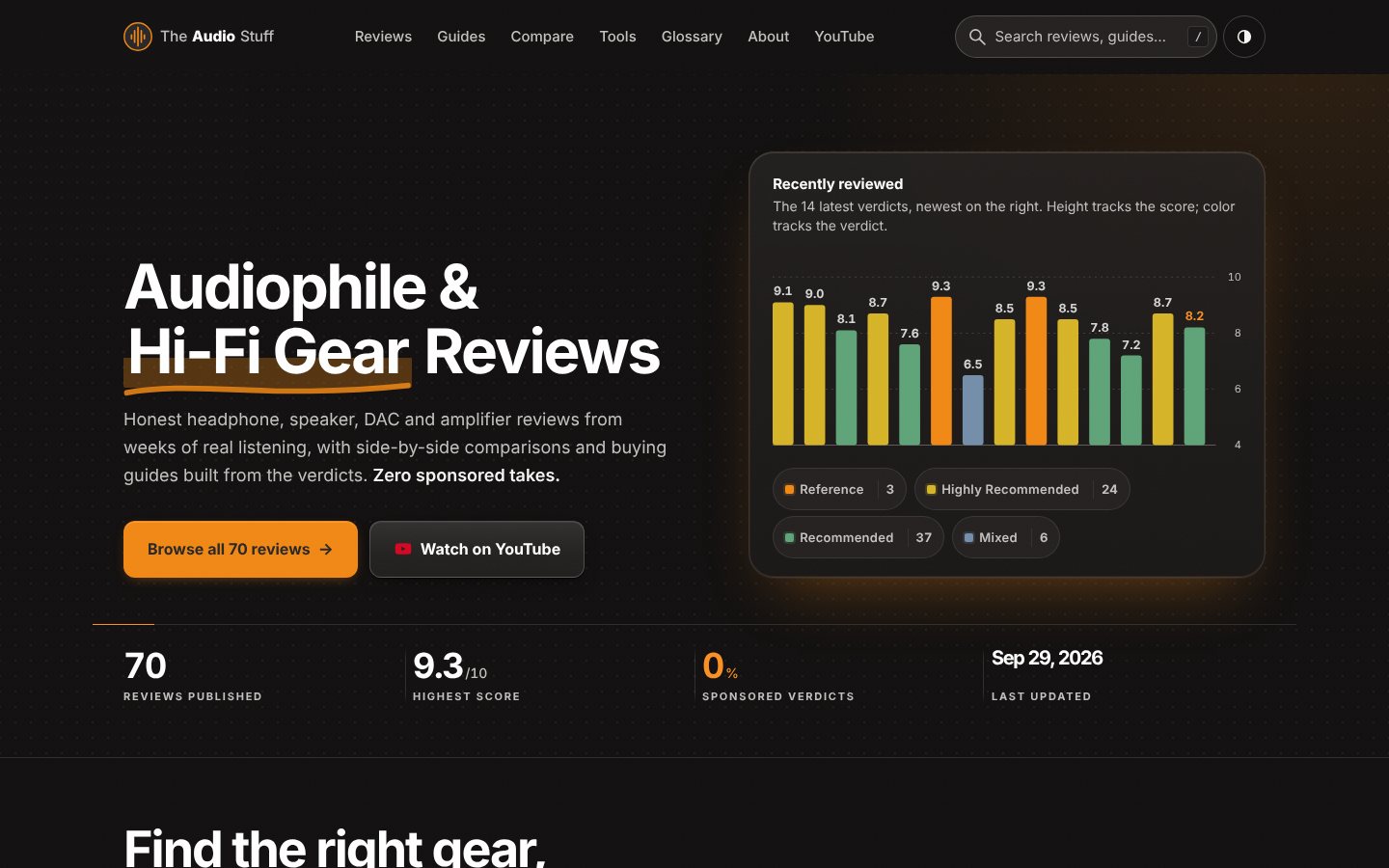
Find the right hi-fi gear for your ears, room and budget: ad-free reviews from weeks of listening, 12 buying guides, 35 comparisons and 17 free audio tools.

Get Face Report is an AI-powered facial analysis and personal styling platform that helps users understand their facial features

Antique Scanner reads hallmarks, maker's marks and wear in your photos — and returns an honest identification with age and value ranges.
