Every developer knows the gap. The prompt works beautifully in a web console, then behaves differently when it finally runs inside your service, and a day disappears into reconciling two environments that were supposed to be the same. The gap is rarely about the model. It is about everything around the model: different accounts, different billing, different request shapes, different parameter defaults.
Kimi K3.1 Pro, the independent service at k31.pro for Moonshot AI's Kimi K3.1 Pro, is engineered to close that gap. The playground and the API share one account, one key store and one credit balance, and the endpoint speaks the OpenAI-compatible dialect that most codebases already speak. This piece walks through the developer-facing surface in the order you would actually meet it: sign-up, the request shape, context strategy, usage accounting and the operational details that decide whether an integration survives contact with production.
Sign-in to Kimi K3.1 Pro is Google-based, and new accounts receive 10 welcome credits, enough to validate the whole path end to end before spending anything. Email verification-code sign-in is currently disabled, so plan on Google for team accounts.
There is no separate Kimi K3.1 Pro developer console to provision. API key management, the playground and the usage history are features of the same account, which removes the usual step where someone has to figure out which dashboard owns the keys.
The endpoint follows the standard chat-completions contract:
POST https://k31.pro/v1/chat/completions
{
  "model": "moonshotai/kimi-k3.1-pro",
  "messages": [{ "role": "user", "content": "Give this idea a new perspective." }],
  "max_completion_tokens": 64,
  "stream": false
}
Three properties of this shape deserve attention. First, it is OpenAI-compatible, so existing client libraries work after a base-URL and key swap; there is no bespoke SDK to adopt. Second, the model identifier is explicit, which keeps logs and tracebacks readable when you debug at 2 a.m. Third, multipart messages are supported, meaning content arrays can mix text with images and other attachments in one request. The multimodal behavior you prototyped by hand in the playground is the same behavior your server gets from Kimi K3.1 Pro.
Standard hygiene applies and the documentation says so directly: keep the key on the server, never ship it in a client bundle, and inspect usage after every response.
The upstream model carries a 1,048,576-token context window, and that number should change how you architect. The default reflex for most teams is retrieval: chunk everything, embed, and reassemble fragments at query time because the model cannot hold the whole corpus. With a million tokens of working memory, a different design becomes viable for many workloads. Long documents, API specs, several source files and the conversation history can travel together in the prompt to Kimi K3.1 Pro, with retrieval reserved for corpora that genuinely exceed the window.
The honest caveats are stated on the site: the 1M window is the upstream figure and service request limits also apply, so requests larger than the allowed envelope will need the chunking you were hoping to avoid. For everything that fits, keeping evidence intact beats reconstructing it from fragments, because summaries of summaries are where reasoning quietly degrades.
Thinking levels are part of the Kimi K3.1 Pro request vocabulary too. Adjustable reasoning effort means cheap, fast turns for routine calls and deeper deliberation where correctness matters, without switching models or managing a second provider.
Billing is the part most likely to cause production surprises elsewhere, so it is worth spelling out how credits behave inside Kimi K3.1 Pro. The unit is simple: 1 USD equals 10,000 credits, and packs start at $10 for 100,000 credits with no expiry. Subscriptions and packs keep their prices and allocations.
The lifecycle of a request runs like this. Credits are reserved before the request executes, then settled afterward based on actual input, cache and output usage, including audio transcription when that preprocessing is used. A successful request costs a minimum of one credit even if the usage is tiny. Two operational consequences follow. Your balance check should treat the reservation, not the last settlement, as the true committed spend. And because settlement reflects actual usage rather than an estimate, retry logic should be written against idempotent request patterns, not against the assumption that a failed call was free.
The request usage and credit history screens inside Kimi K3.1 Pro make reconciliation straightforward, which matters once more than one service shares the account.
A reasonable first project: take an internal workflow that currently ships documents to a human summarizer, attach the relevant images and transcripts, and let Kimi K3.1 Pro draft the first pass with a low thinking level. Wire the same prompt into a nightly job through the API, log the usage rows, and compare cost against the manual baseline. That is a one-evening integration in the literal sense: the endpoint is standard, the Kimi K3.1 Pro account already exists, and the playground has already validated the prompt.
For teams already committed to the OpenAI SDK shape, migration is mostly configuration. For new projects, starting here means the prototype and the production path are the same path from day one, and Kimi K3.1 Pro prices that path by usage rather than by month.
The service is independent and routes Moonshot AI's flagship model through OpenRouter; it is not an official Moonshot AI website, and its own FAQ leads with that disclosure. Upload limits are 4 MiB per embedded file, 8 MiB total and 8 files per conversation. The context window is subject to service request limits. None of these are hidden, which is exactly what you want to see from a provider you are about to put on the critical path.
For developers, the pitch reduces to a sentence: one account where a frontier multimodal model can be prompted by hand at lunch and called from production by dinner, with billing that settles on what was actually used. That is a shorter distance than most stacks manage, and shorter distances mean fewer places for integration bugs to hide.

Flying Roadster AI Video Generator uses car references and optional portraits to make a defined flight sequence, with selectable resolution, framing, credits.

Project Moon Life is a browser simulation where a resident’s health, sanity, resources, and relationships shift as each decision changes the next year.
Premium undetected game modifications, HWID spoofers, and free gaming tools designed for seamless performance, maximum stability, and account safety.
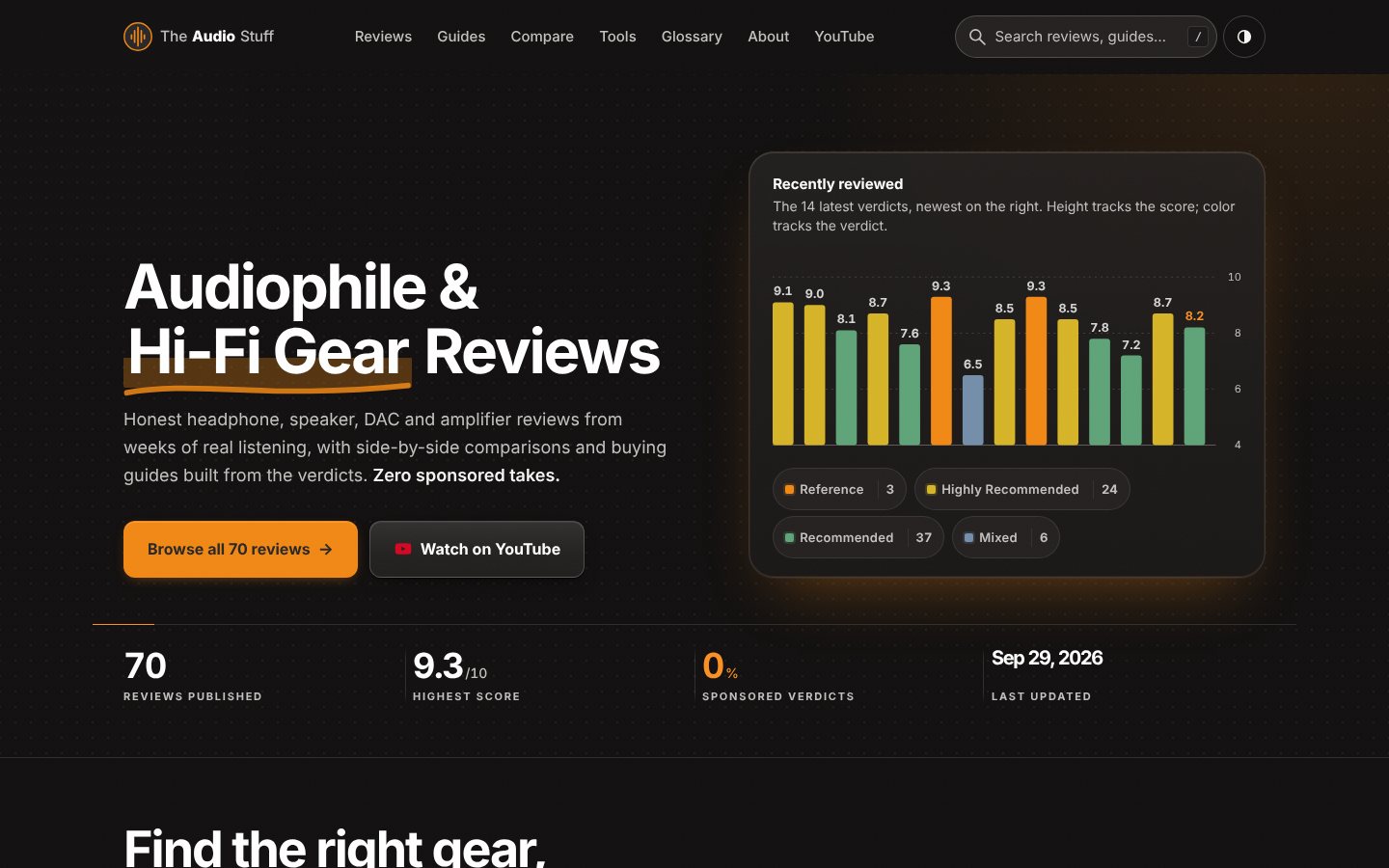
Find the right hi-fi gear for your ears, room and budget: ad-free reviews from weeks of listening, 12 buying guides, 35 comparisons and 17 free audio tools.

Get Face Report is an AI-powered facial analysis and personal styling platform that helps users understand their facial features

Antique Scanner reads hallmarks, maker's marks and wear in your photos — and returns an honest identification with age and value ranges.
