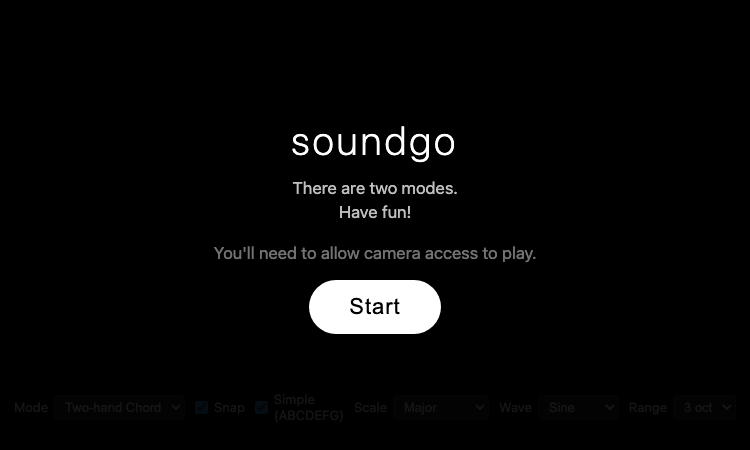
Soundgo is a webcam music instrument built with MediaPipe hand tracking and Tone.js.
We are not the official developer of Soundgo. This page helps users find, understand, and use the product.
Soundgo is a single-page web app that turns a webcam into a musical instrument. Under the hood it uses Google's MediaPipe Hands for real-time fingertip tracking and Tone.js for Web Audio synthesis — both loaded from the jsDelivr CDN, with the tracking running locally in the browser. The result is an instrument you play by moving your hands in the air, with no downloads and no hardware.
The interface shows two circular wheels on the video feed: a chord wheel and a melody wheel. Your fingertips act as cursors over them, and the app draws your hand skeleton on screen so you can see what you are pointing at. The controls cover two modes (Two-hand Chord, Melody + Chord), five scales (Major, Pentatonic, Minor, Blues, Chromatic), four waveforms (Sine, Triangle, Saw, Square), and three octave ranges (2, 3, 4). The code includes thoughtful details: smoothed fingertip positions to avoid misfires, and debounced chord switching so a fingertip resting on a boundary does not flicker between chords.
What can be verified about Soundgo: it is a static page on gojaehyun.com, the personal domain of developer Go Jaehyun. There is no registration, no third-party login, no payment, and no file upload. The app requires webcam access by design, and the hand tracking is processed client-side in the browser using MediaPipe; the page loads its libraries from the jsDelivr CDN. There are no ads or redirects. The only consideration is the camera permission itself — the app cannot work without it, so grant it only if you are comfortable with webcam use.
Soundgo appears to be gaining attention through direct sharing and word-of-mouth, although there is no clear public source showing where the trend originated. The concept is visually striking — playing music with your hands in the air looks like magic on video — and it fits the wave of gesture-based and AI-powered web experiments. As a polished personal project by a developer with a public portfolio, it is also easy to link and recommend.
If Soundgo cannot be accessed, try:
If you like Soundgo, you can also try:
The official website is https://sound.gojaehyun.com/.
Yes, Soundgo is completely free to use with no payment step anywhere.
No. There is no registration or login — you only need to allow camera access.
Soundgo was created by Go Jaehyun, a developer whose portfolio is at gojaehyun.com.
Yes, the site was online and playable as of 2026-08-22.

Flying Roadster AI Video Generator uses car references and optional portraits to make a defined flight sequence, with selectable resolution, framing, credits.

Project Moon Life is a browser simulation where a resident’s health, sanity, resources, and relationships shift as each decision changes the next year.
Premium undetected game modifications, HWID spoofers, and free gaming tools designed for seamless performance, maximum stability, and account safety.
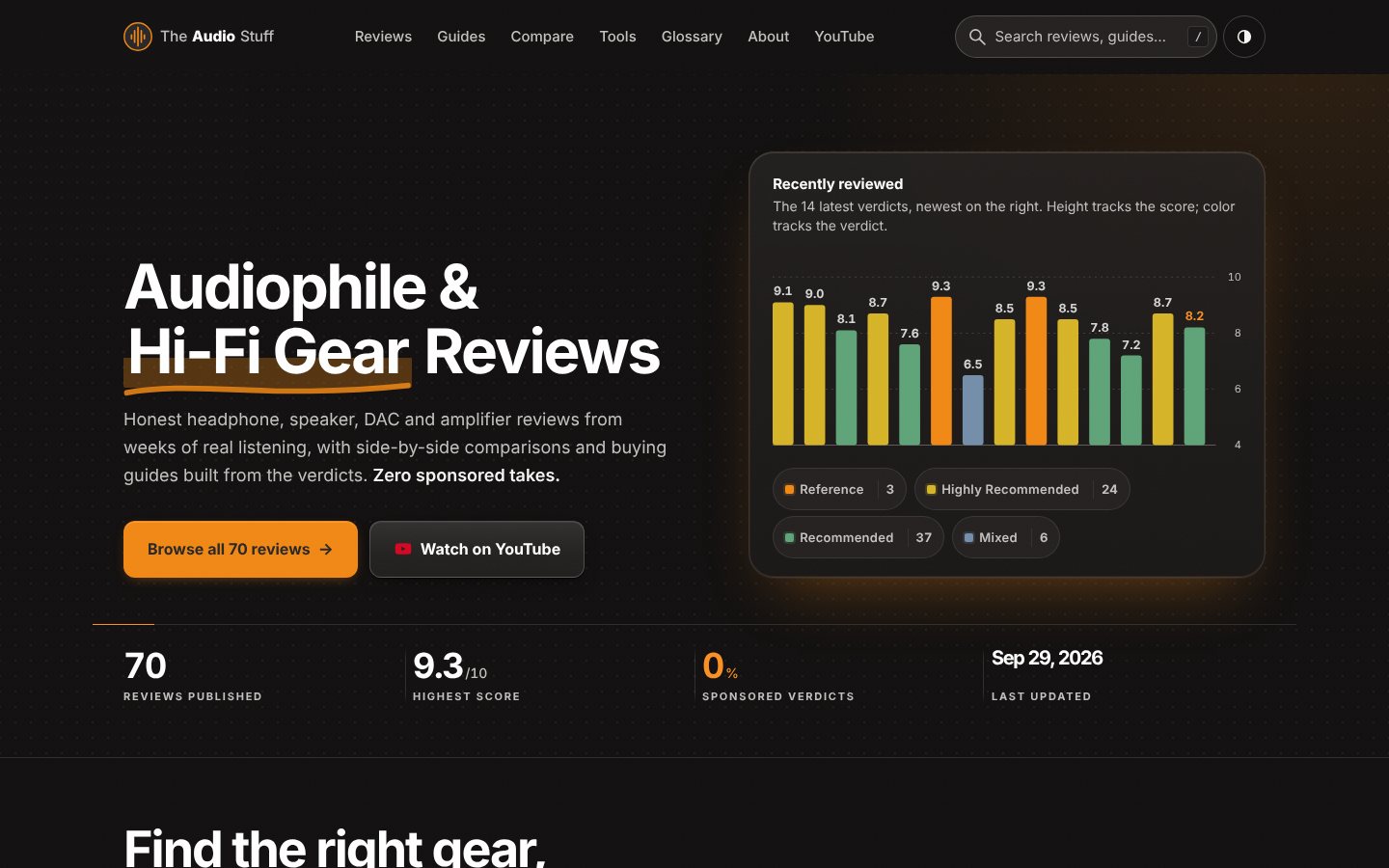
Find the right hi-fi gear for your ears, room and budget: ad-free reviews from weeks of listening, 12 buying guides, 35 comparisons and 17 free audio tools.

Get Face Report is an AI-powered facial analysis and personal styling platform that helps users understand their facial features

Antique Scanner reads hallmarks, maker's marks and wear in your photos — and returns an honest identification with age and value ranges.
