Some professors talk fast. Some drift into anecdotes, double back, and resume an argument three slides later while you are still transcribing the previous one. By minute twenty your notes are a fragmentary log, by minute forty you have stopped writing, and by the evening the recording sits unopened next to a page you can no longer read with comprehension. The lecture happened. The notes did not.
The AI Notetaker inside Turbo AI exists for exactly this failure mode. Turbo AI listens to your lectures and takes notes while they happen, so the live class produces a written artifact without your typing competing with your understanding. This examination looks at what the notetaker does during class, what comes out afterward, and where a student still has to intervene.
Mechanically, the flow is minimal. You let Turbo AI record the session, and the notetaker converts the audio into organized notes. There is no separate app to juggle inside Turbo AI and no later upload step for the recording; the capture and the transcription happen in one place.
The interesting work is editorial. A raw transcript of a live lecture is nearly useless: it contains side conversations, questions from the back row, and the anecdote about the department picnic. The reviews of Turbo AI repeatedly mention this exact filtering. One student writes that the class included off-topic discussion and that the AI still sorted side conversation from important material, producing some of the most organized notes that student had seen. Another describes a teacher who talks too fast and gets sidetracked, with the same result.
That is the notetaker's real job. Dictation is a solved problem; a transcript already exists after any recording. Separating the professor's argument from the noise around it is the part that fails when a human does it at speaking speed, and it is the part Turbo AI users describe working.
Structure is the second half of the value. A lecture that jumps between topics produces notes that follow the argument rather than the jump cuts, with formulas, terms, and examples sorted into a readable order.
For technical courses this is where tools usually break. The FAQ for Turbo AI states that it handles math formulas, chemical equations, physics diagrams, and code snippets, and preserves formatting for technical content. An engineering student in the review section confirms the practical version of the claim: generated notes from long lectures described as very helpful and pretty accurate, with the flashcard features called out as well. When a derivation survives the trip from spoken lecture to written notes, the notetaker has done the hard part.
The notes are also not a dead end. After the lecture, Turbo AI can turn the same material into review activities, so the notes become the source for flashcards and quizzes rather than a document you file and reread once. Capture once, then choose the review format. Cross-device sync makes the artifact usable immediately: read the notes on a phone on the walk to the next class, correct them in the editor on a laptop at night. The same sync keeps a study group's shared copy current, since documents inside Turbo AI support live editing as well as sharing.
Honesty requires the caveat: automatic notes are still a draft. When the professor misspeaks, the notetaker faithfully records the misspoken version. When the room noise swallows a sentence, something gets lost. The review that saved your attention during class still needs ten minutes in the evening.
Turbo AI includes a full editor in the Google Docs style for exactly this. You correct the notes while the lecture is still fresh, mark the points the professor flagged as exam-relevant, and delete the sections your course will not test. The editing is not a tax on the feature; it is the step that converts a good transcript into your notes.
The cross-device behavior matters here too. Turbo AI syncs notes across web, tablet, and mobile, so the correction pass can happen on a phone on the train and the review pass on a laptop at home, on the same corrected document.
The notetaker fits into a larger loop, and its value multiplies when the loop closes. Notes from Monday's lecture feed the flashcards for Tuesday's commute. The quiz generated from the notes finds the definitions you cannot yet produce. Practice mode inside Turbo AI keeps asking questions until the material locks in, and the chatbot answers the follow-ups you would otherwise carry around unresolved.
There is also the library of premade AP study guides for standard courses, though for lecture-dependent classes the notetaker path is the one that matters: your professor's version of the course, not a generic one.
For collaboration, the documents support live editing and sharing inside Turbo AI, so two students can reconcile their corrections into one canonical set of notes instead of two diverging drafts.
The strongest fit is the student whose lectures are fast, dense, or messy: engineering and pre-med course loads, survey lectures with heavy terminology, seminar-adjacent classes where discussion interleaves with content. The reviews include a student with ADHD describing recorded lectures as the feature that made class survivable, and a student who reports difficulty focusing saying Turbo AI handles that problem directly.
The weakest fit is the student whose classes already distribute complete written material. If the professor posts polished notes, the notetaker adds little; the quiz and flashcard generators still work from those posted notes.
The economics support trying the feature before judging it. The free tier of Turbo AI includes note generation, flashcards, and quizzes, so the notetaker path can be evaluated without payment, and the paid upgrade only enters the picture when a full course load outgrows the limits. Turbo AI reports more than ten million learners and holds 4.8 stars across more than 300,000 reviews on both the Play Store and the App Store. For a feature this central, that record is at least evidence that the Turbo AI notetaker survives contact with real lecture halls, which is the quiet question behind every review.
Recording a lecture also has a social dimension: ask whether it is allowed, and say something if the class expects otherwise. Turbo AI provides the tool, and the classroom norms remain the user's to respect. Used that way, the notetaker removes the least valuable use of your attention, the mechanical transcription, and leaves the class itself free for actual understanding.

Flying Roadster AI Video Generator uses car references and optional portraits to make a defined flight sequence, with selectable resolution, framing, credits.

Project Moon Life is a browser simulation where a resident’s health, sanity, resources, and relationships shift as each decision changes the next year.
Premium undetected game modifications, HWID spoofers, and free gaming tools designed for seamless performance, maximum stability, and account safety.
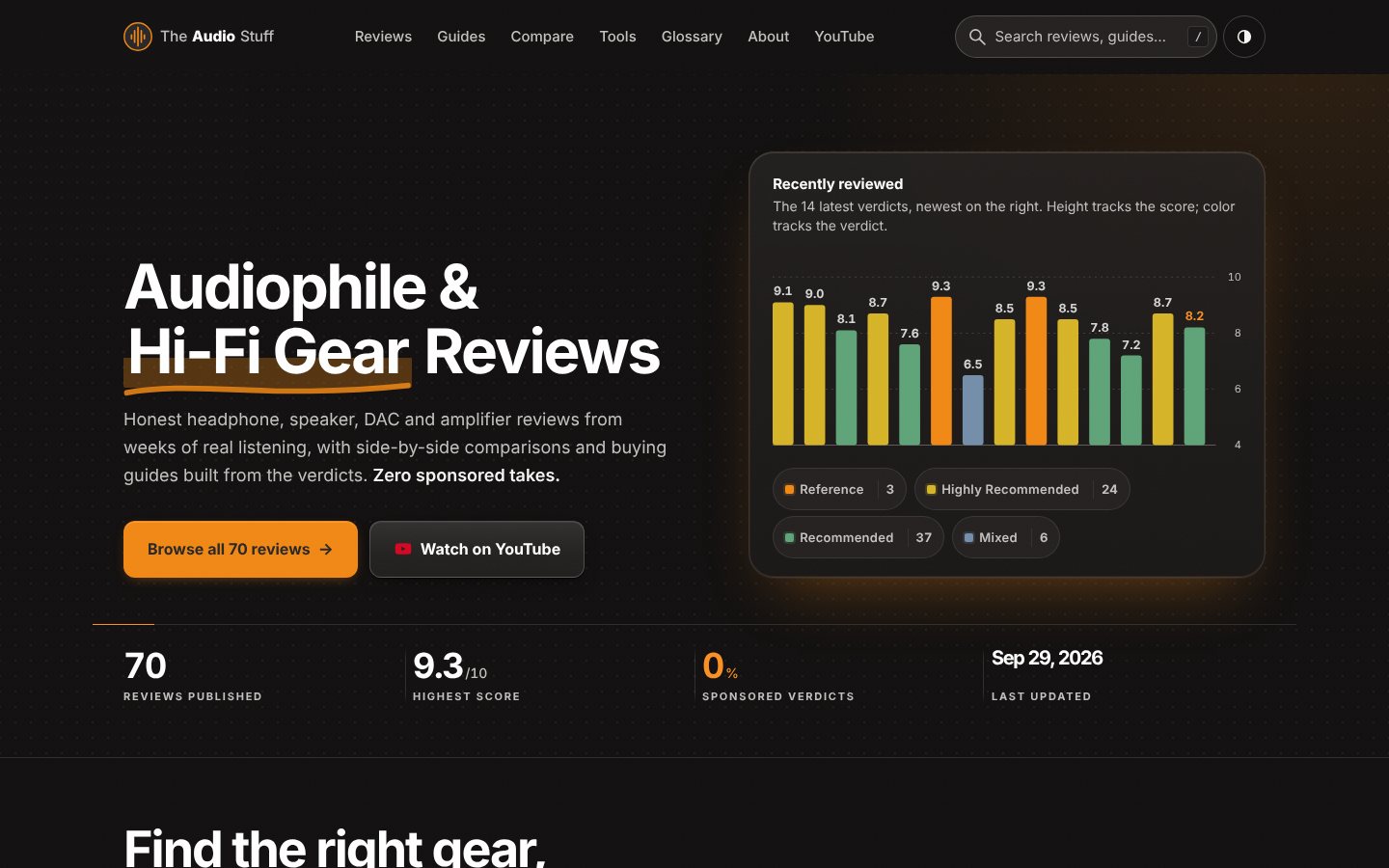
Find the right hi-fi gear for your ears, room and budget: ad-free reviews from weeks of listening, 12 buying guides, 35 comparisons and 17 free audio tools.

Get Face Report is an AI-powered facial analysis and personal styling platform that helps users understand their facial features

Antique Scanner reads hallmarks, maker's marks and wear in your photos — and returns an honest identification with age and value ranges.
