
Watch a feed for five minutes and a pattern appears. Almost every short clip that holds attention has two things done well: a voice that sounds like it means the words, and captions that land in rhythm with them. Editing polish matters less than these two layers, because a viewer decides within seconds whether to keep watching, and voice plus text are what reach them first.
Viblo, a browser-based AI video editor for short-form content, treats these two layers as first-class citizens rather than add-ons. This piece takes a close look at how Viblo handles voiceovers and captions — the mechanics, the controls, and the honest limits. Other parts of Viblo, from auto-clipping to ranked list videos, are context here; the audio and text pipeline is the subject.
The voiceover pipeline in Viblo starts with text. You bring a script, or you let the Viblo script generator draft one from an outline, then run the draft through the enhancement pass for tightening. Once the words exist, Viblo converts the script into narration using a roster of 35+ voices built on ElevenLabs technology. Pick a voice, generate, and a narration track appears on the timeline.
What makes this more than a text-to-speech demo is placement. The Viblo voice track is a timeline object, not a baked-in audio file. Swap the voice after generating, and the Viblo project updates. Retime a sentence, and the caption track follows. For channels producing daily, this separation is what keeps a Viblo project editable after the first render rather than frozen.
The voice roster deserves a real audition. Thirty-five voices cover distinct tones — calm narration, energetic promo, deadpan commentary — and the right choice depends on the format. A top-list video in Viblo wants momentum; a story piece wants patience. Spending two minutes sampling before committing is the single highest-leverage decision in the Viblo voice pipeline, because everything downstream inherits it.
The caption side of Viblo works from audio, not from typing. Whatever narration exists — generated voiceover or speech recorded into the project — Viblo transcribes it and lays the text onto the Viblo timeline with timing attached. The words and the rhythm arrive together, which is the whole trick. Hand-captioning a 60-second clip means pausing, typing, syncing, repeating; Viblo transcription compresses that loop into a review pass.
Two things to know about how Viblo handles this. First, Viblo captions stay editable as text. A misheard word is a click-and-fix operation, not a re-render. Second, caption styling lives in the Viblo brand kit — fonts and colors saved once apply to every project afterward, so the twentieth video matches the second without manual settings work.
The timing question is where honest limits appear. Machine-synced Viblo captions are good, not perfect. Dense speech, overlapping audio, and music beds can shift alignment slightly. The Viblo timeline lets you nudge timing per caption block, and a quick playthrough before export catches the drift. Plan for that review minute; it is the difference between Viblo captions that help retention and captions that distract from it.
The compounding effect inside Viblo comes from voice and captions sharing one project. In a traditional chain — script tool, voice service, captioning app, editor — a script edit late in the process means regenerating audio in one place, re-syncing captions in another, and re-exporting in a third. In Viblo, the edit propagates through the project, because the script, the voice track, and the caption track are connected objects rather than files passed between tools.
A concrete loop makes this clear. You change one sentence in a Viblo script. The voiceover regenerates for that segment, the transcription updates the caption text, and the timeline keeps the surrounding clips in place. What used to be a four-tool detour becomes a single revision inside Viblo. For commentary formats, the script-to-scenes flow extends the same idea to visuals: narration maps onto the scenes it describes, so an audio revision shows you exactly which visuals it touches.
Take a 45-second product commentary as a test case. The script runs about 120 words. In Viblo, the session looks like this: paste the script, choose a voice from the 35+ roster, generate the narration — the Viblo voice track appears in seconds. Transcribe, and the Viblo caption layer arrives with per-line timing. Play through once, catch two misheard product names, fix them as text edits, nudge one caption block a few frames earlier. Export. The clip is sized for Shorts and ready to post.
Now run the same job the old way. Record or source narration, import it into an editor, find a captioning tool, sync lines by hand, restyle the captions to match the channel, export. Forty minutes is a realistic total for someone fluent in the tools. The Viblo version of the same job is five minutes of decisions plus queue time. One video does not prove much; twenty a month does, and that ratio is the actual product claim worth testing.
Two habits make the Viblo voice-and-caption loop repeatable. Save your chosen voice and caption style into a Viblo brand kit immediately, so every future project starts pre-configured. And keep a small test script — three sentences — for auditioning new voices before a real project depends on them. Both take minutes once and pay back on every session afterward.
A deep dive owes a clear-eyed close. AI voice from Viblo is strong for faceless formats, list videos, and product commentary, and weaker wherever the voice itself is the product — emotional storytelling and personality-led channels still benefit from a human read. Machine transcription handles clean audio well and rough audio adequately; expect the review pass to matter more as background noise increases.
Pricing also bears on these two features, since both draw credits. The Viblo Starter tier at $25 monthly includes 200 credits and 30 videos; Creator at $49 gives 500 credits, 90 videos, and priority rendering; Business at $99 adds 1,200 credits, 200 videos, team access, and commercial rights. Annual billing halves those figures. A script-heavy workflow burns credits faster than a footage-heavy one, so match the tier to your mix rather than to your video count alone.
Measured strictly as a voice-and-caption machine, Viblo removes the two most repetitive tasks in short-form production and keeps both fully editable afterward. That combination — automated first pass, editable results — is the honest core of what the feature set offers.

Flying Roadster AI Video Generator uses car references and optional portraits to make a defined flight sequence, with selectable resolution, framing, credits.

Project Moon Life is a browser simulation where a resident’s health, sanity, resources, and relationships shift as each decision changes the next year.
Premium undetected game modifications, HWID spoofers, and free gaming tools designed for seamless performance, maximum stability, and account safety.
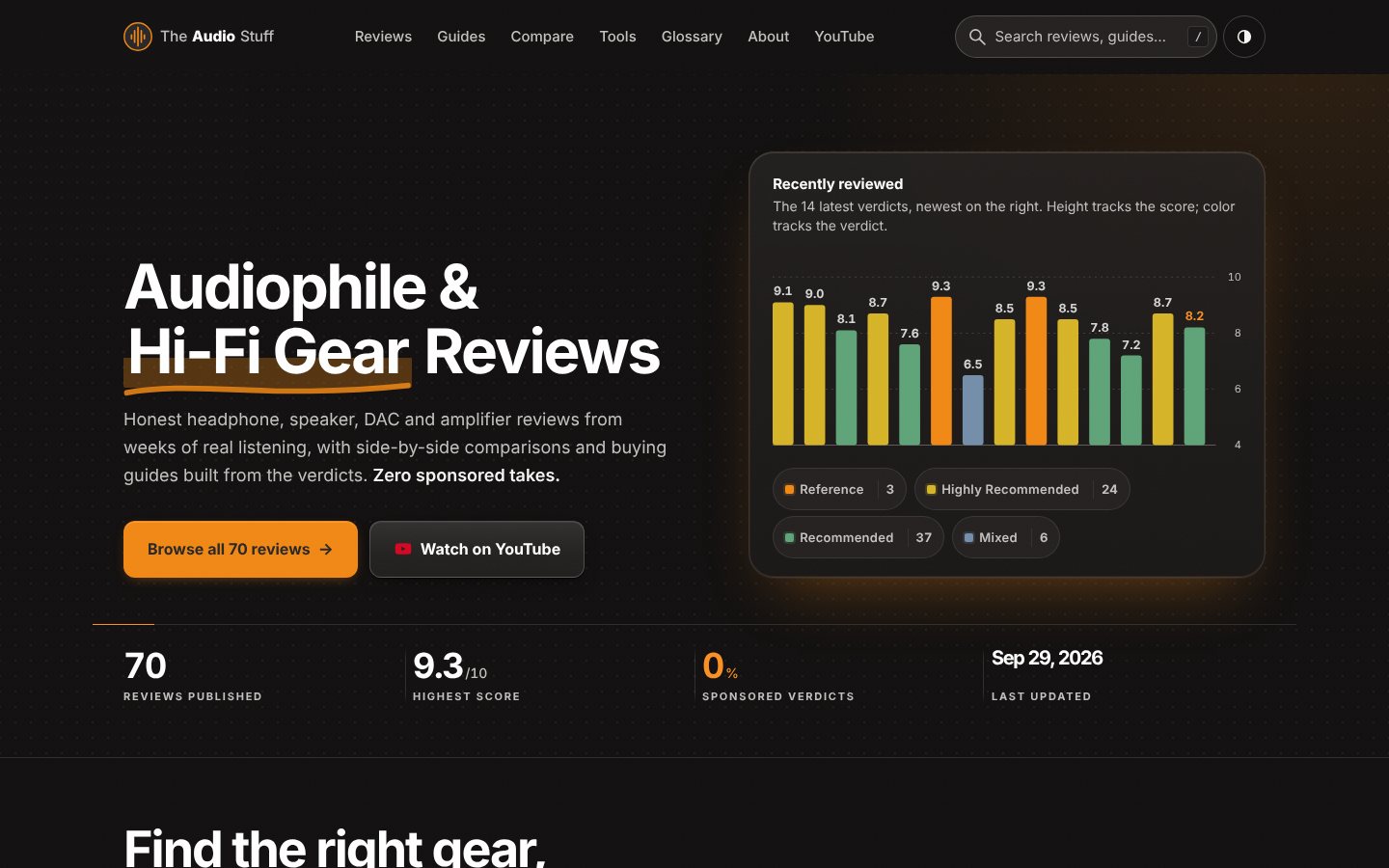
Find the right hi-fi gear for your ears, room and budget: ad-free reviews from weeks of listening, 12 buying guides, 35 comparisons and 17 free audio tools.

Get Face Report is an AI-powered facial analysis and personal styling platform that helps users understand their facial features

Antique Scanner reads hallmarks, maker's marks and wear in your photos — and returns an honest identification with age and value ranges.
